

David Callé
19 May 2017
Visual Studio Code is now available as a snap on Ubuntu
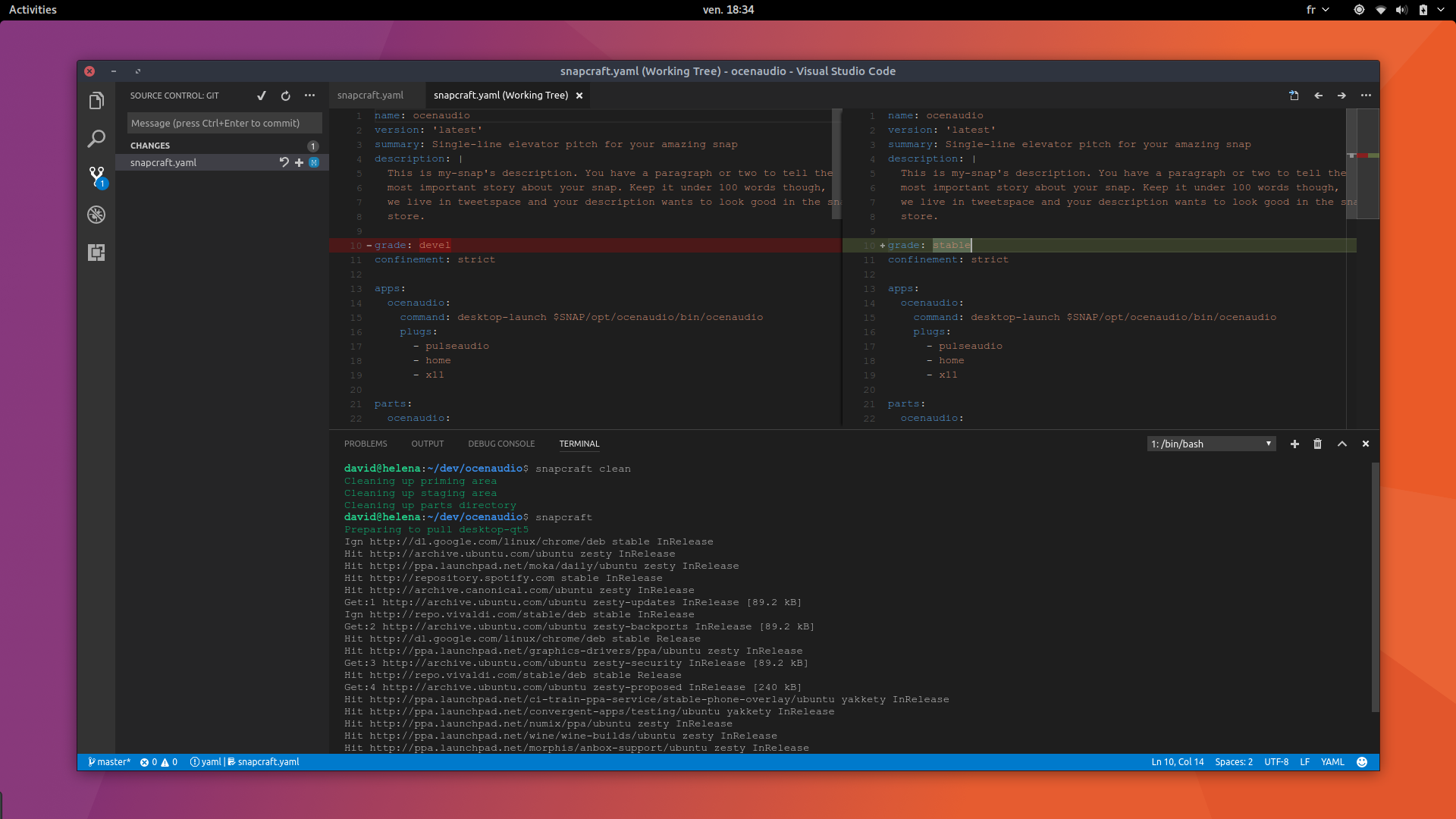
There is a new desktop snap in the Snap store: Visual Studio Code.
A versatile and open source code editor
Launched in 2015 by Microsoft, Visual Studio Code has imposed itself as one of the preferred code editors in the developer community. Cross-platform (powered by Electron), it features a marketplace of more than 3000 extensions where any language can find its linters, debuggers and test runners.
To install Visual Studio Code as a snap:
sudo snap install --classic vscodeHow has VS Code made such a splash in the development world?
After barely two years, this editor has found a place in a lot of tool belts, on Linux too. To explain this success, here are some notable highlights:
- smart completion based on types and functions
- a versatile integrated debugger
- git built-in support with an approachable user interface for git commands
- and of course, extensions support
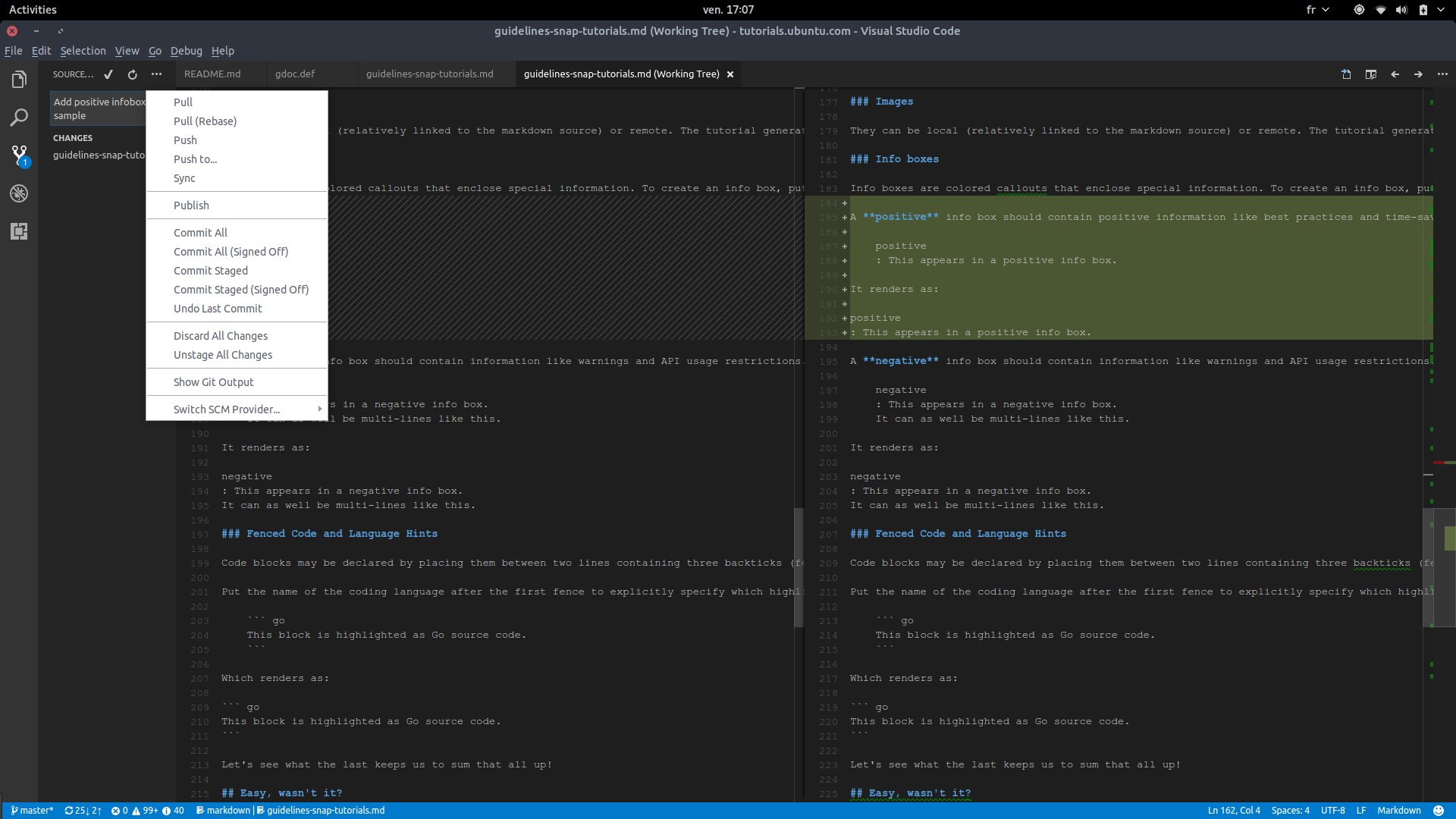
Git integration in Visual Studio Code features delightful commit (and reverts!) management.
To make the experience more familiar, you can emulate keyboard shortcuts of other editors by installing alternative keymaps, such as Vim, Emacs, Sublime, etc.
Available as a snap for an agile release process
It’s not the first code editor featured in this Electron snaps blog series, and if you have been reading the other entries, you already know why snaps are a good fit for Electron distribution on Linux: auto-updates, ease of installation and dependency bundling.
This snap makes the latest version of Visual Studio Code easily installable and auto-updatable on Ubuntu 14.04, 16.04 and newer supported releases, goodbye 3rd party PPAs and general package hunting!
Releases for everyone and releases for testers
Snaps allow developers to release software in different “channels”, that users subscribe to (defaulting to the stable channel), in order to receive automated updates.
Four channels are available, with names hinting at the stability users can expect:
edgeis for QA, testers and adventurous adoptersbetais where versions from theedgechannel are moved to when they pass some level of testing and QAcandidateis commonly used for freezed pre-release versionsstableis what users install by default (thesnap install <snap name>command without any options) and is expected to only contain stable software. This is also the channel that enables snaps to appear in search results of thesnap findcommand.
For a primer on using the snap command-line, this tutorial will show you the way.


